
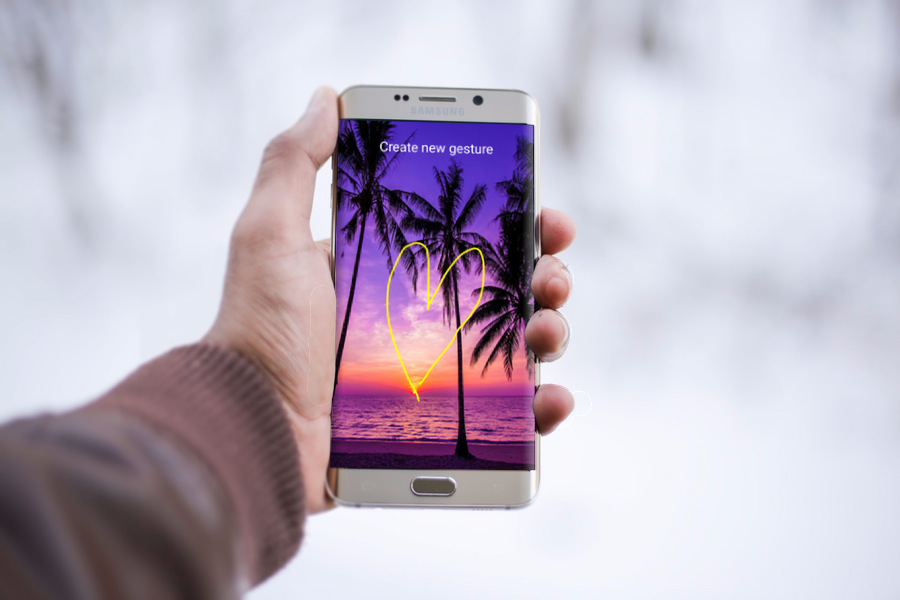
Gesture Lock Screen close learns and adjusts every time the signature or the gesture is created and stored on the screen to close with your signature as a screen lock through password.
How to use Gesture Lock Screen Pro ?
- Install and launch the application
- Draw your gesture code
- Protect your gesture with a recovery password
- You can custom the color of the gesture
- You can add a recovery password of 4 digits in case you forget your gesture screen lock
Features of Gesture Lock Screen Pro:
- Add/change/delete gesture
- Custom gesture colors
- Draw gesture to unlock
- Enter recovery password or backup passcode to unlock (keypad lock screen)
- Simple and easy to use to anlock with gesture or password
- Custom recovery password length: 4~8-digit passwords supported
- Launched its application in the new track by drawing gesture on the screen
- Create your own gesture to remove the closure applications
Thanks for getting this application and we hope you will love it, if yes please share the app with friends and on social media websites, if you have any question just email us and we will answer sooner.
We do not host Gesture Lock Screen Pro: Free on our servers. We did not scan it for viruses, adware, spyware or other type of malware. This app is hosted by Galad and passed their terms and conditions to be listed there. We recommend caution when installing it.
The APK Download link for Gesture Lock Screen Pro: Free is provided to you by apps112.com without any warranties, representations or guarantees of any kind, so access it at your own risk.
If you have questions regarding this particular app contact the publisher directly. For questions about the functionalities of apps112.com contact us.

|
| ||||
| Downloads: 20 | ||||
| Updated At: 2024-04-22 10:20:02 | ||||
| Publisher: BestHDWallpaper | ||||
| Operating System: Android | ||||
| License Type: Free |